Where to run it
GPT Image 2.6 is OpenAI's image model. OpenAI released it on 4 November 2026.
It comes in two versions. Sunburst is for detailed visual work. Flare is for fast iteration. I'd draft with Flare and make the final images with Sunburst.
Write the prompt in four parts
What it's for. The scene. The subject. And what must not change.
The Text line is optional. Use it only when you want words on the image. Fill in the brackets, upload your reference photo, and send it.
Deliverable: [what it is and where it runs, e.g. a vertical Instagram ad for my bakery]
Scene: [setting, light, mood]
Subject: [the exact product or person from the reference image, described once]
Text: "[exact words]" at [position], [style]. No other text anywhere in the image.
Constraints: Keep [product, label, logo, face] identical to the reference. Do not redesign it. [aspect ratio]
When the image is close but one thing is off, don't start again. Use this line instead:
Change only [the background]. Keep [everything else] exactly the same.
Three rules from the video
These are what keep your product looking like your product.
Upload one clear photo of your product as the reference. Then write the prompt in four parts: what it's for, the scene, the subject, and what must not change.
If you want words on the image, put the exact words in quotes and say where they go. Then add: "No other text."
That comes from OpenAI's own prompting guide, which says to put exact text in quotes with its position and to ask for no extra text.
When something is off, say "Change only the background", then list everything that stays exactly the same: the product, the model, the pose, the text.
OpenAI's prompting guide gives the same advice for edits. It also suggests repeating the defining details and adding "do not redesign" to keep things consistent.
One coat, five images
Here is the method from start to finish, with the exact prompt behind each image.
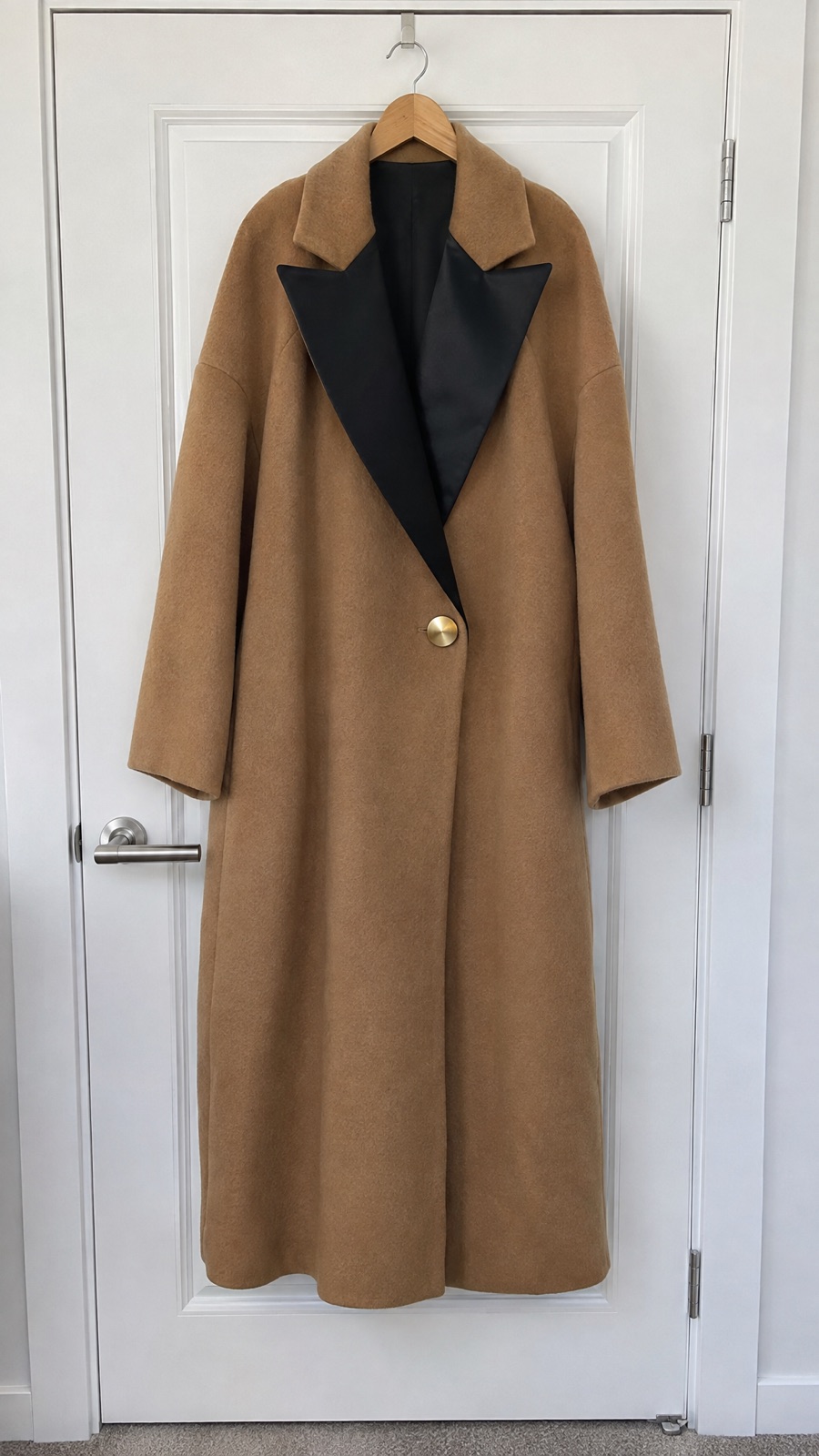
ORIN & ASH is an invented fashion label made up for this demo. The hero piece is a camel wool coat with black satin lapels and a single oversized gold button. Those details are distinct on purpose, so you can see whether the model kept the product. Every image below is AI-generated. To use this for your own business, swap in your product on the Subject line and your own words on the Text line.
 AI-generated example
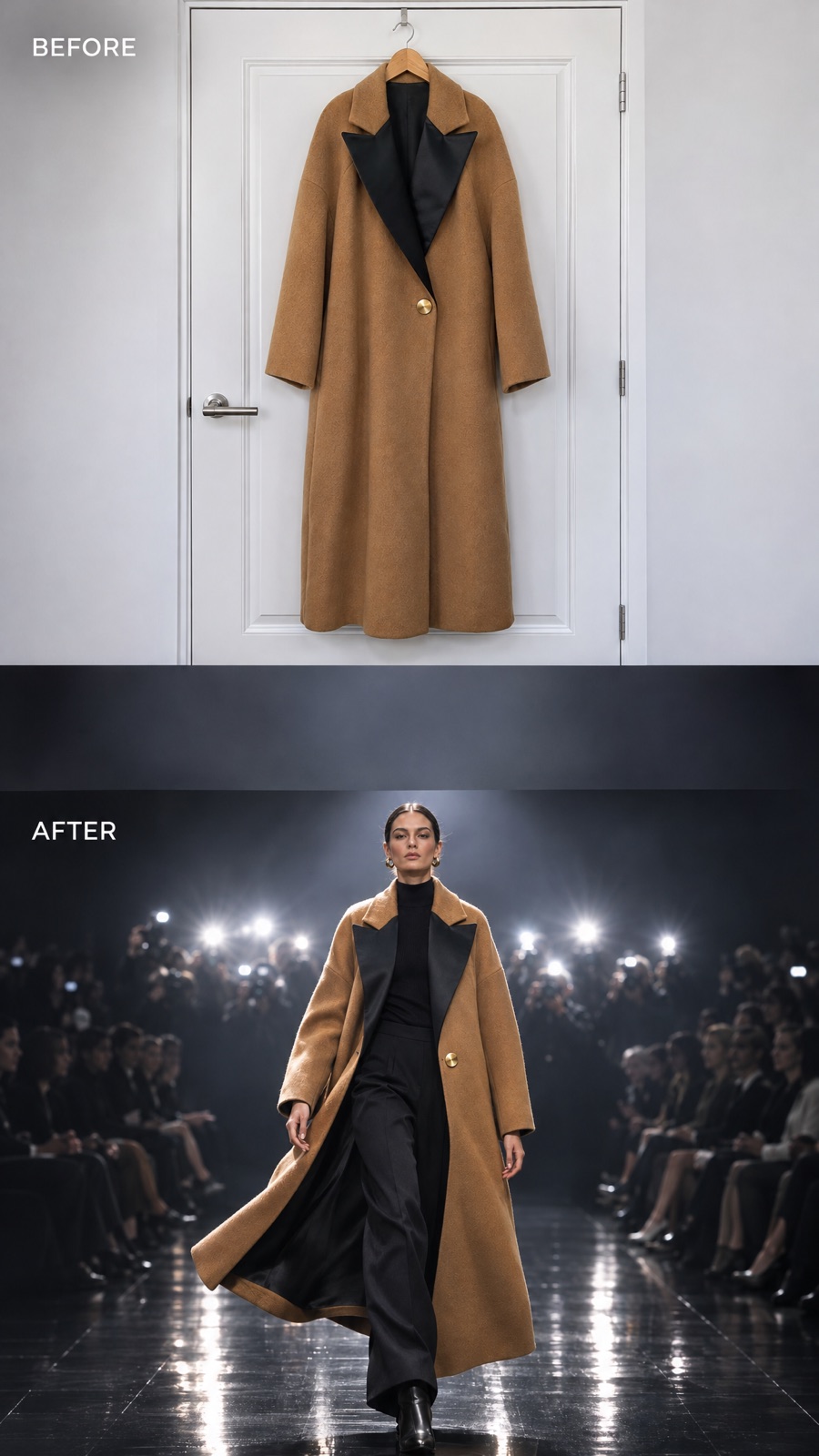
The plain reference photo
With your own product, this is simply a phone photo: one clear shot, flat daylight, no styling. For this demo there was no real coat, so the before photo was generated too.
Deliverable: a plain smartphone photo used as the "before" shot in a vertical video.
Scene: a wooden hanger on a plain white bedroom door, flat daylight from a window, nothing styled.
Subject: one long oversized camel wool coat, double-faced wool with a soft brushed texture, wide black satin peak lapels, one oversized brushed-gold button at the waist, dropped shoulders, hem below the knee. The coat hangs straight and is fully visible from collar to hem.
Details: photorealistic, real phone camera look, slight noise, neutral white balance, accurate garment proportions and fabric drape.
Constraints: 9:16 vertical. No text anywhere in the image. No people.
 AI-generated example
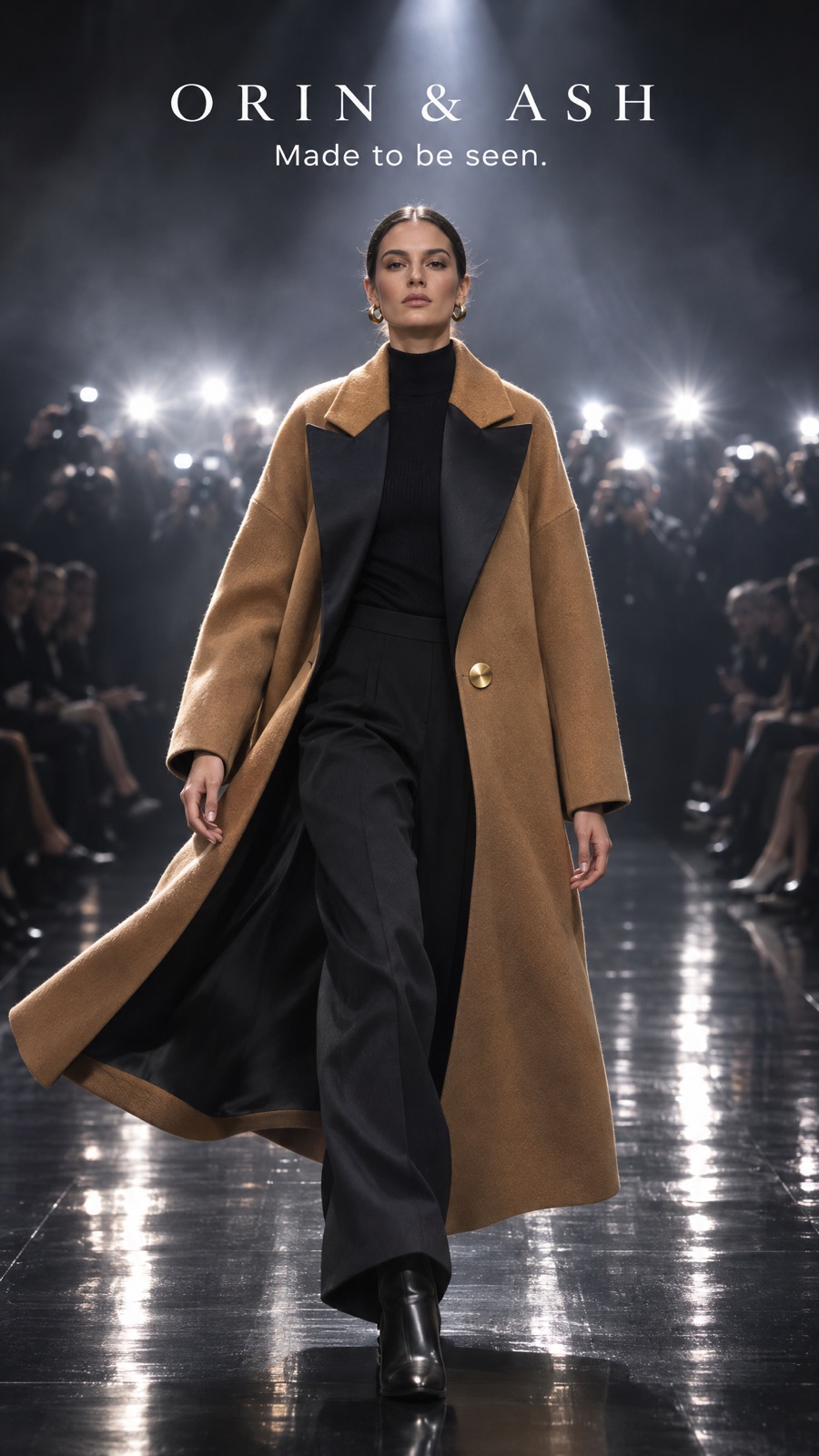
The runway ad: the four-part prompt in action
Attach the before photo as the reference. Ask for 2 versions and keep the stronger one.
Deliverable: the hero image of a fashion campaign for the label ORIN & ASH, for Instagram Reels and TikTok.
Scene: the end of a fashion show runway at the moment of the final walk. Glossy black runway floor with long reflections, a wall of photographers' flashes firing at the far end, a blurred front-row audience in darkness, haze catching a hard white spotlight from above.
Subject: one adult female model striding straight toward the camera mid-step, confident, chin level, a sleek low bun. She wears the exact coat from the reference image: same camel wool, same black satin peak lapels, same single oversized gold button, same length. The coat is worn open over a black high-neck knit and wide black tailored trousers, black leather boots. The coat swings out behind her with the movement of the walk.
Text: at the top, centred, "ORIN & ASH" in a refined wide-spaced serif, white, medium size; directly under it "Made to be seen." in a smaller clean sans-serif, white. No other text anywhere in the image.
Details: photorealistic high-fashion editorial photography, 85mm lens look at eye level, slight motion in the coat hem, crisp face and fabric, correct anatomy and hands.
Constraints: keep the coat identical to the reference; do not redesign the garment. Keep her face, eyes and the text clear of the top 150 px and the bottom 300 px. 9:16 vertical.
 AI-generated example
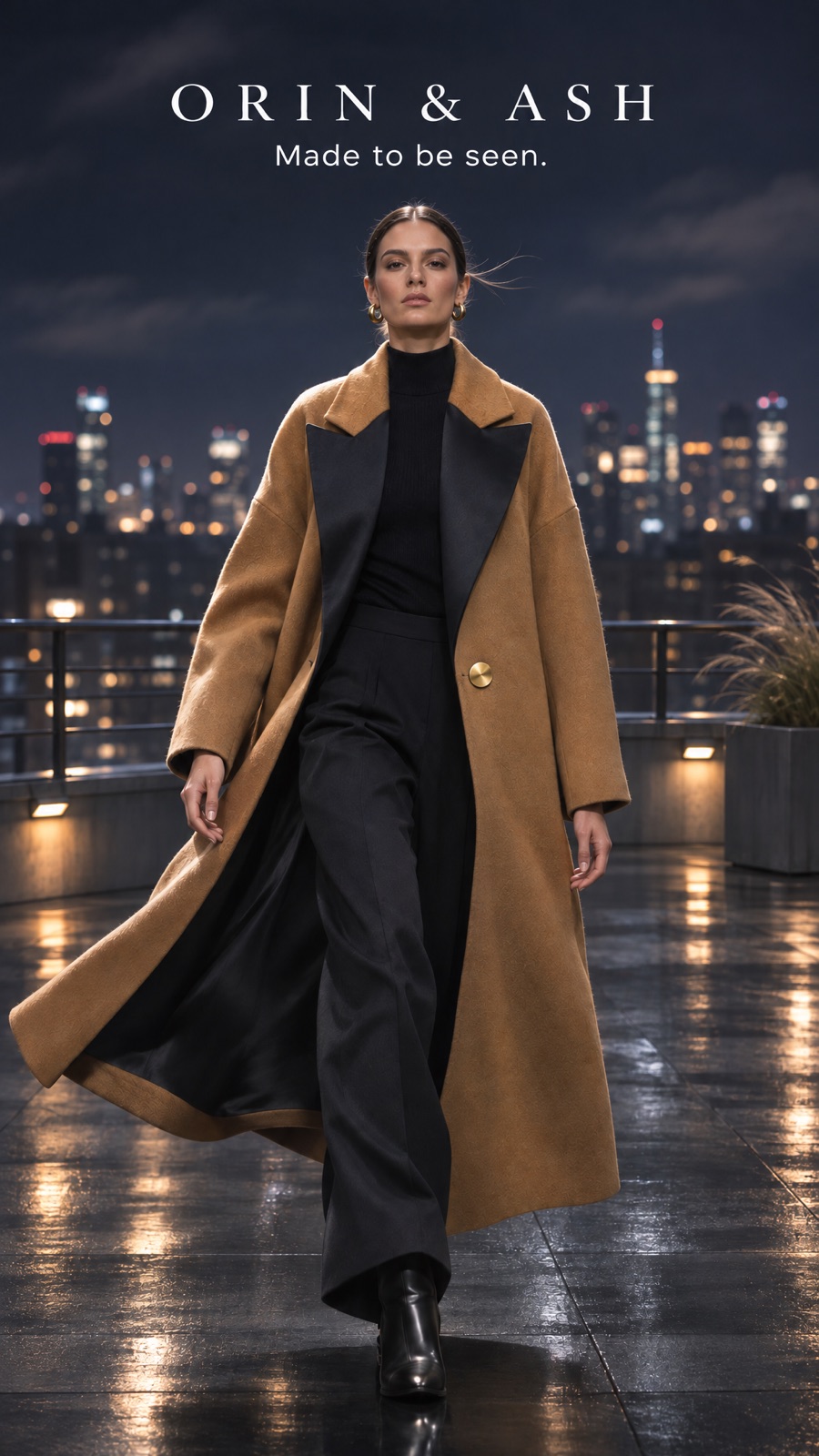
City rooftop at night
Attach the runway hero as the reference for this one and the next two, so every version starts from the same image.
Change only the background: a city rooftop at night, skyline lights blurred behind her, a light wind.
Keep the model, her face, her pose, her stride, the coat, the outfit, the text and the text position exactly the same. Relight her only enough to match the new scene. Do not redesign the garment. No other text.
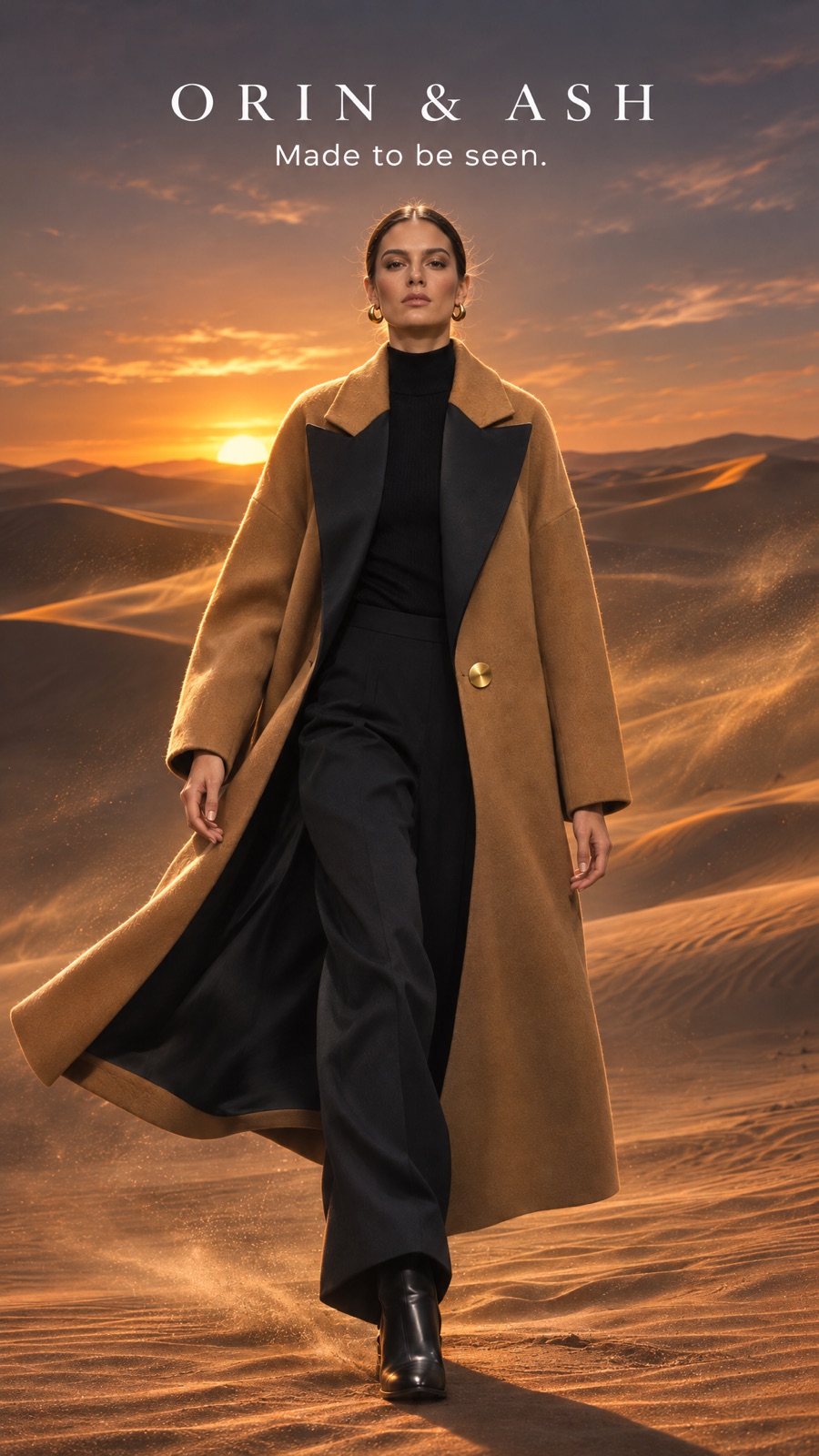 AI-generated example
Desert dunes at sunset
Same reference: the runway hero.
Change only the background: golden desert dunes at sunset, warm low sun behind her, sand lifting in the wind.
Keep the model, her face, her pose, her stride, the coat, the outfit, the text and the text position exactly the same. Relight her only enough to match the new scene. Do not redesign the garment. No other text.
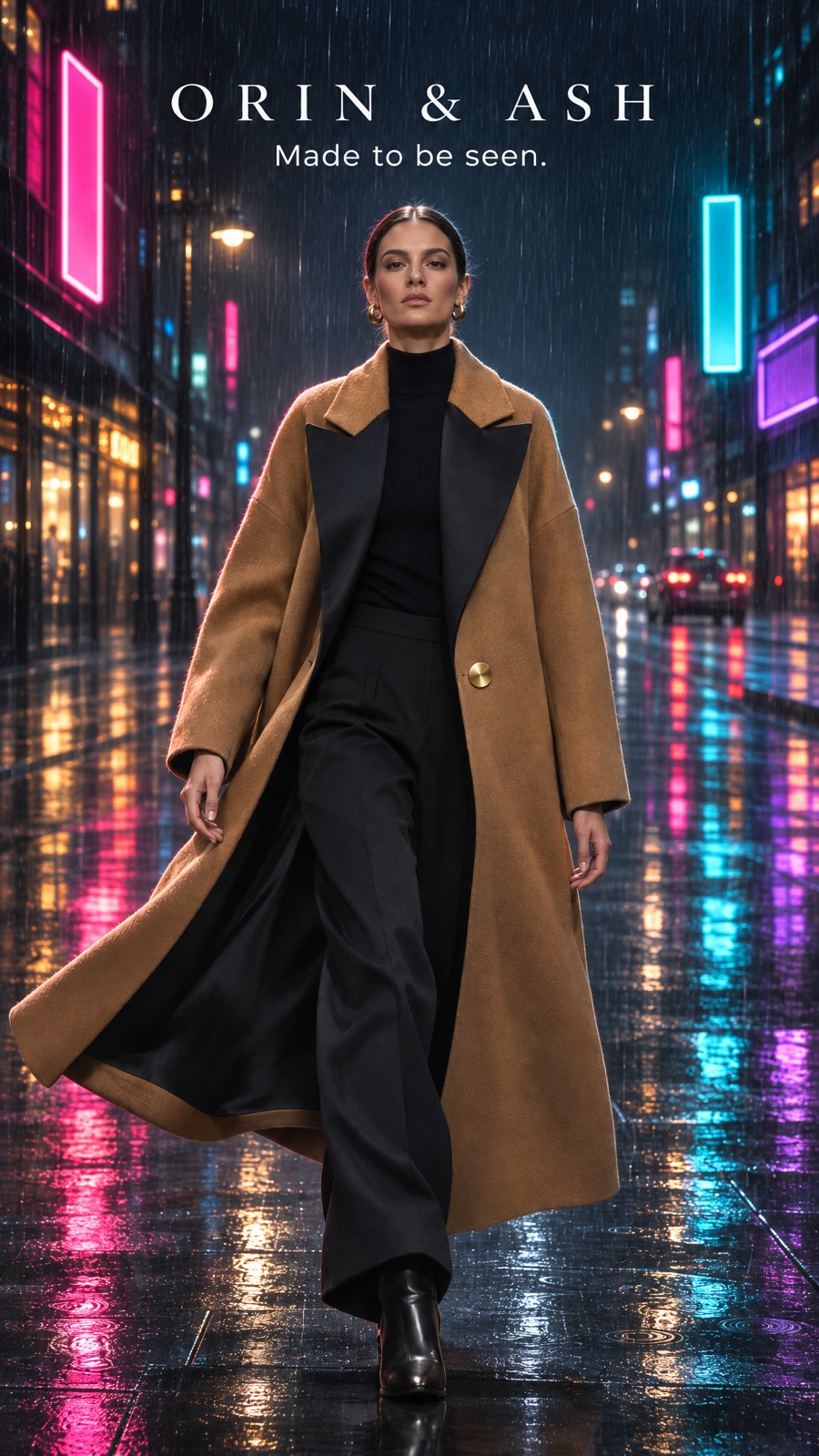 AI-generated example
Neon street in the rain
Same reference: the runway hero.
Change only the background: a rain-soaked city street at night, neon signs reflected in the wet ground, no readable words on any sign.
Keep the model, her face, her pose, her stride, the coat, the outfit, the text and the text position exactly the same. Relight her only enough to match the new scene. Do not redesign the garment. No other text.
When the product or text changes
Sometimes the model changes the coat or rewrites the words. Don't start over.
Run the same prompt again and add this line. Name the defining details of your product and the exact words, the same way.
The coat must keep its black satin lapels and single gold button. The text must read exactly ORIN & ASH and Made to be seen.
Check every image before it runs
This method makes it easier to keep your product the same. It does not make it certain.
Build with a community behind you.
Join the AI Lead Builder community for practical support putting AI to work in your business.
Your membership brings together weekly coaching with Muhammad, training and call replays, business software, and the Agency OS plugin.
Learn and get help
Weekly coaching, training, and a community of business owners.
Build and put it to use
Agency OS plus software for your CRM, funnels, and follow-up.
Hear it from members, on camera
Straight from the community chat
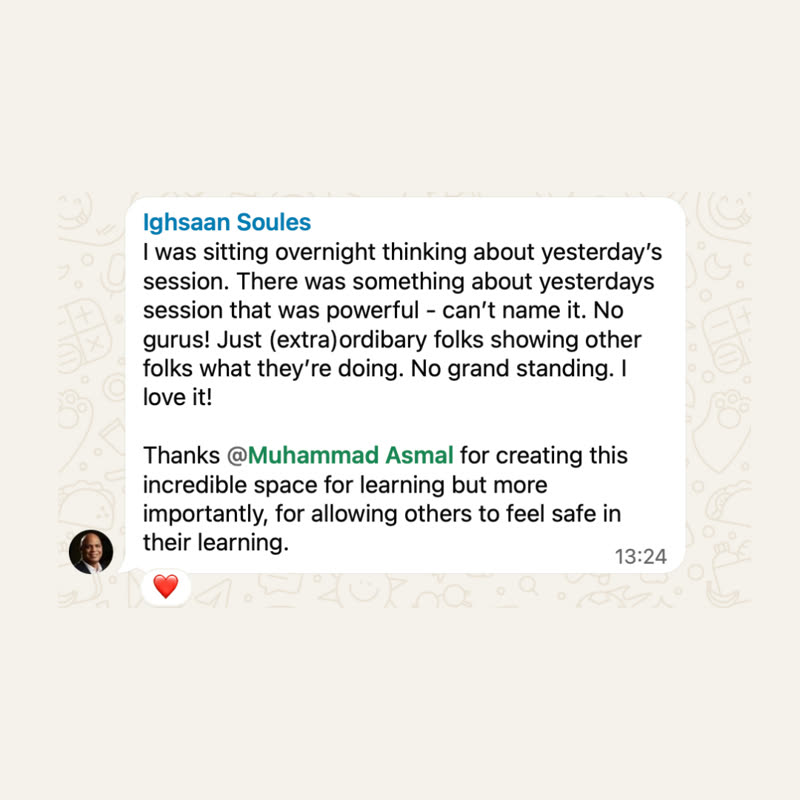
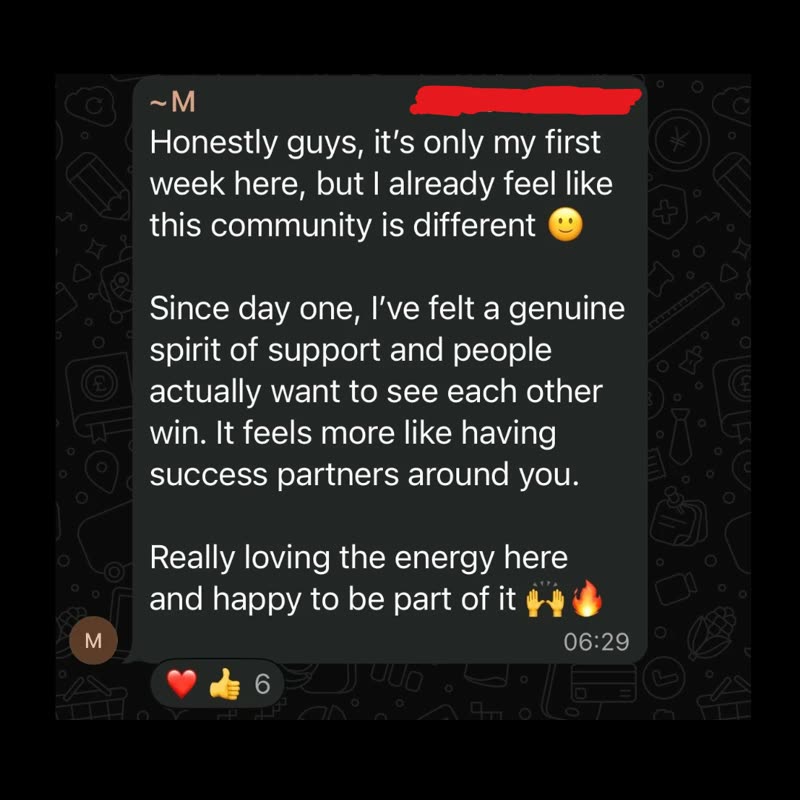
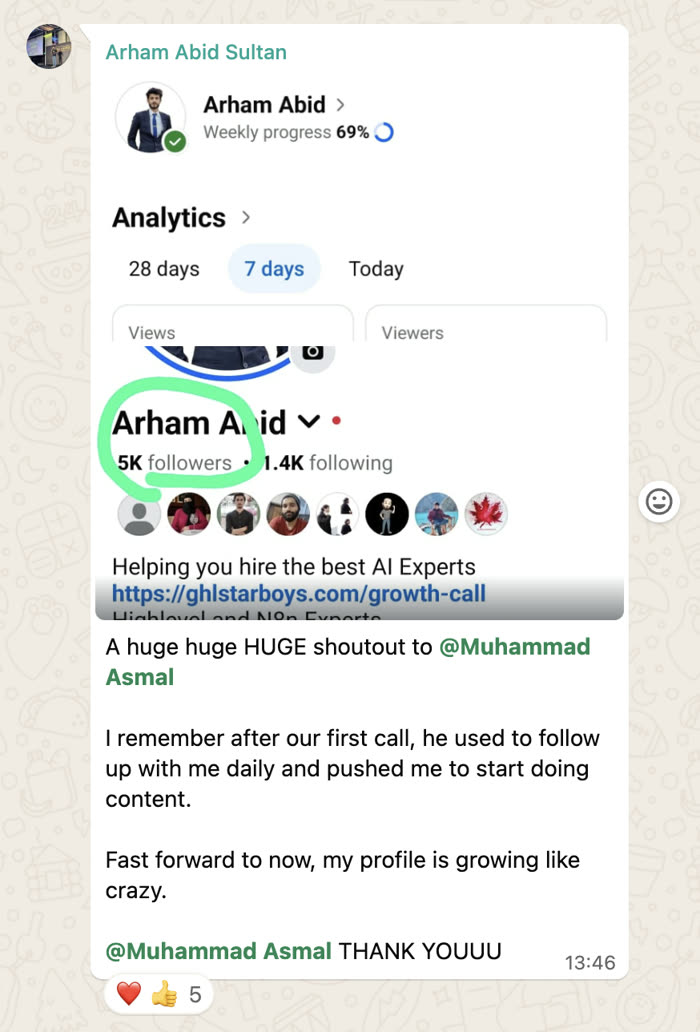
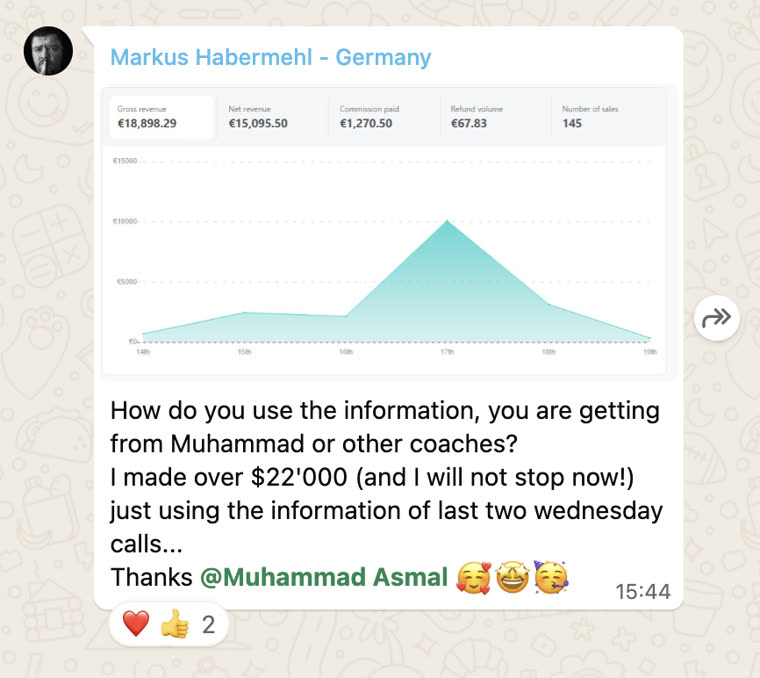
Shared with each member's permission. Individual results vary.
Cancel anytime.
Join AI Lead BuilderSee the membership details and current offer on the next page.